To fit a 1 MB photo limit, select the image in Shrink, choose 1 MB, and tap Compress. If the destination allows 2 MB, choose the 2 MB preset to give compression a larger file-size budget.
Use the largest size the destination permits
A 1 MB maximum is a limit on the file’s data, not a requirement to reduce the image to a particular width or height. Shrink balances quality and dimensions to fit the selected target. You should still check any separate pixel requirements.
If a site allows 2 MB, there is usually no need to force the file down to 1 MB solely to satisfy that site. A larger allowed budget gives compression more room to retain detail, although the result depends on the source.
Compress an image for a 1 MB upload
- Read the portal’s wording. Confirm whether 1 MB applies to each file or all attachments together.
- Select the image in Shrink. You can also start from Photos using Share, then Shrink.
- Choose 1 MB. Use the preset for a maximum of 1,000,000 bytes. A file can finish below that maximum.
- Tap Compress. Review the displayed result and check the photo’s detail and dimensions.
- Save or share the result. Return to your destination and attach the new copy rather than the original.
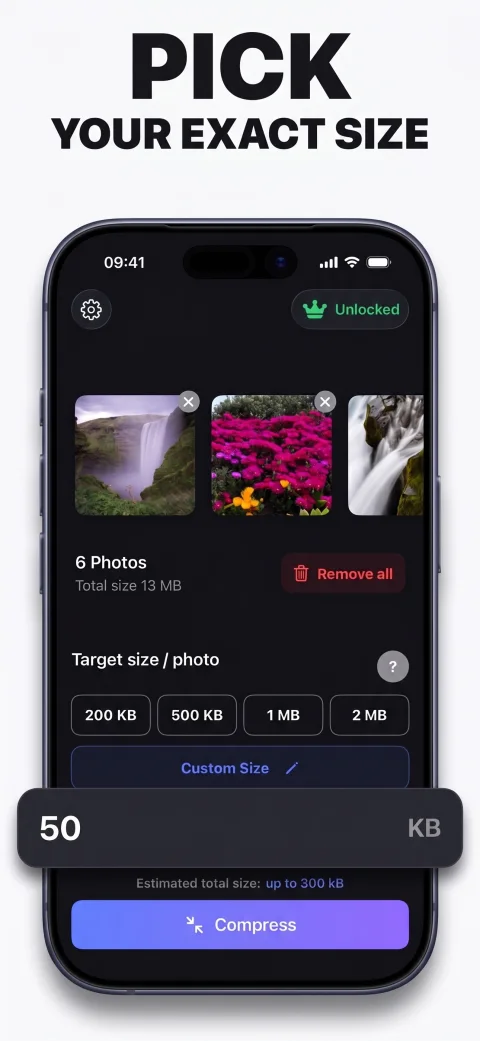
How to compress a photo under 2 MB
Follow the same workflow and choose 2 MB. This preset uses a 2,000,000-byte ceiling per photo. If the original is already under the target, Shrink leaves it unchanged rather than re-encoding it unnecessarily.
For a different maximum, choose Custom Size and enter the target in KB. The app supports custom values from 20 to 50,000 KB. If the destination requires strictly less than its stated limit, leave a small margin and check the exported file.
MB, MiB, and rounded file sizes
Shrink uses decimal units: 1 KB is 1,000 bytes and 1 MB is 1,000,000 bytes. Some systems use binary units or display rounded sizes. Avoid relying on a rounded “1 MB” label alone when a portal rejects an attachment near its cutoff.
Check the actual exported result and the portal’s requirements. A slightly lower custom target can help when the service is strict about the boundary; it cannot fix a wrong format or dimension mismatch.
What if I need several images below a total limit?
The preset applies to each image. Four photos compressed with the 1 MB preset can add up to nearly 4 MB. If the entire submission must be under 1 MB, allocate a smaller per-photo budget and check the combined result.
For example, four photos with a 200 KB target have a combined photo-data ceiling of 800 KB, leaving some room below a 1 MB total. Whether that is enough depends on the upload system and anything else attached. See planning attachment sizes for a related workflow.