Is a Mirror App Safe? Here's What to Check Before You Install One
Handing an app your front camera is a fair thing to hesitate over. Most mirror apps are harmless; a few are ad-delivery machines with a camera view bolted on. Here's how to tell the difference in about a minute, and what Mirrorly does with your camera.
Red flags
- Permissions that make no sense for a mirror — photo library, contacts, location, microphone. A mirror needs the camera. That's it.
- An account or sign-up screen. There is no reason a mirror needs to know who you are.
- "Data Used to Track You" on the App Store privacy label. That's ad-tracking SDKs riding along.
- A "free trial" that's actually a weekly subscription. Check the price under the Download button before you tap.
- A privacy policy that doesn't say what happens to camera frames. Silence is not reassurance.
Green flags
- Camera permission only, requested when you open the mirror.
- A plain statement that the camera feed stays on the device and nothing is captured, stored or uploaded.
- No ads. No account. A one-time price, or free.
Checking on your own phone
Go to Settings → Privacy & Security → Camera to see every app with camera access and switch any of them off. You can also open Settings → Privacy & Security → App Privacy Report to see whether an app has been contacting servers it shouldn't.
What Mirrorly does with your camera
Everything below is from Mirrorly's privacy policy, not marketing copy:
- The camera feed and the on-device expression analysis (which powers the captions) stay on the device. Mirrorly has no shutter and does not capture, store or upload photos, videos, camera frames or face data.
- No account. It never asks for a name, email or profile.
- No ads.
- No subscription. Your first three mirror checks are free; after that a single one-time purchase unlocks the app for life, processed by Apple. Purchase records go to Apple and RevenueCat under an anonymous identifier — never linked to your identity.
- Camera access is requested only for the mirror and can be revoked any time in iOS Settings.
How to do it in Mirrorly
If that's the kind of mirror app you were looking for:
- Install Mirrorly from the App Store and open it. Grant camera access when asked — it's the only permission it wants.
- Use the mirror, the light and the zoom. Nothing you see is recorded.
- Want to double-check? Open Settings → Privacy & Security → Camera. Mirrorly is listed there and nowhere else.
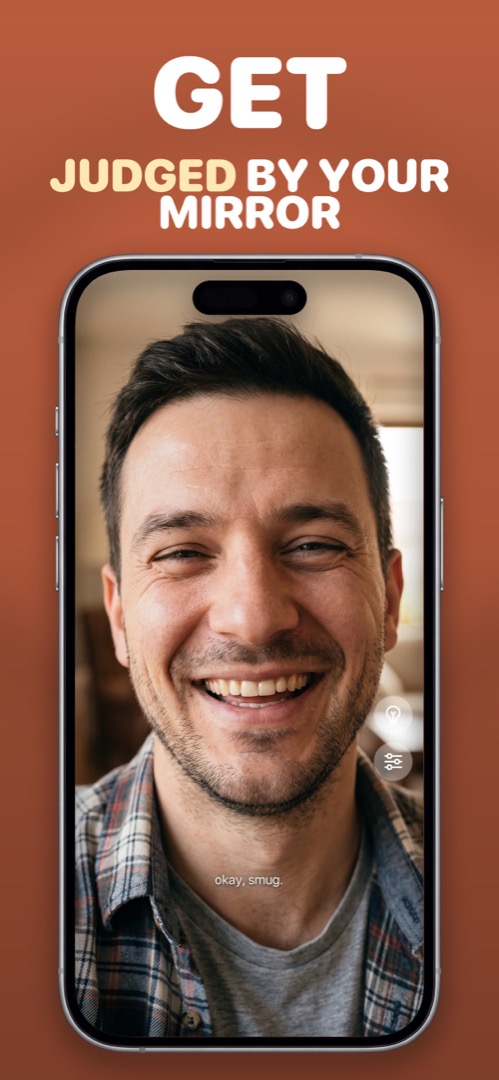
Mirrorly is coming soon to the App Store.
A full-screen iPhone mirror with a ring light, zoom and maximum brightness. Three free checks, then a one-time unlock — no subscription, no photos saved, no account, no ads.