Why Does Your iPhone Front Camera Flip Your Face?
You line up a selfie, everything looks normal in the preview, and the saved photo looks subtly wrong — your parting on the other side, your face somehow less like you. Nothing is broken. Here's what's going on, and what to do about it.
Preview = mirror. Saved photo = how others see you.
While you're framing a selfie, iOS mirrors the preview so it feels like looking into a mirror — move your right hand and the hand on the right moves. But when you press the shutter, the photo is saved un-mirrored, the way a person standing in front of you would actually see you.
The reason it feels wrong is well studied: the mere-exposure effect. You've seen your mirrored face thousands of times a day for your whole life, so that's the version your brain considers "correct". Nobody's face is perfectly symmetrical, so the un-mirrored photo reads as slightly off — to you, and only to you. Your friends are used to the photo version.
The iOS setting that changes it
Since iOS 14 there's a switch: Settings → Camera → Mirror Front Camera. Turn it on and selfies are saved exactly as they appear in the preview. That fixes photos. It doesn't fix the underlying problem of using the Camera app as a mirror: you still have a shutter under your thumb, no front light, and a preview cluttered with controls.
Why a mirror app is always mirrored
A mirror app has one job — behave like glass. There's no "saved" version to flip, so what you see is always the mirror image you're used to, at maximum brightness, with zoom and a ring light when you need them. If you only want to check your look rather than capture it, that's the tool.
How to do it in Mirrorly
In Mirrorly the question never comes up, because nothing is ever saved. To check your look:
- Open Mirrorly. The front camera comes on, mirrored like real glass, and stays that way.
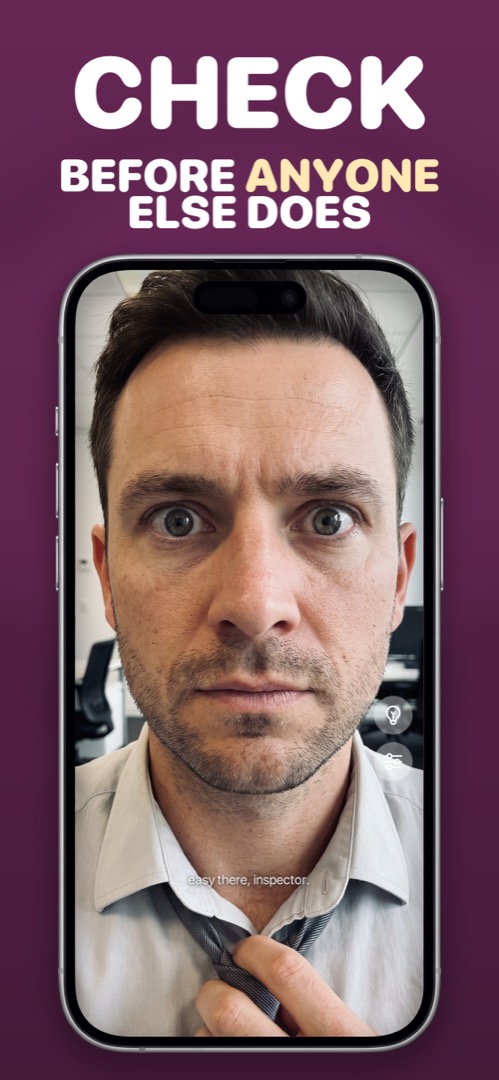
- Fix what needs fixing — hair, collar, teeth. Use the zoom slider for details and the light-bulb in dim rooms.
- Close the app. No photo was taken, so there's no flipped version waiting in your library.
Mirrorly is coming soon to the App Store.
A full-screen iPhone mirror with a ring light, zoom and maximum brightness. Three free checks, then a one-time unlock — no subscription, no photos saved, no account, no ads.