Forgot Your Compact Mirror? Use the One Already in Your Pocket
You reach into your bag and the compact isn't there. It's on the bathroom shelf, or in the other jacket. Here's what works when you need a mirror right now — ranked from desperate to genuinely good.
Improvised mirrors, ranked
- The dark phone screen. Lock the phone and tilt it. Works only in bright light against a dark background. Grade: emergency.
- A shop window or car window. Fine for hair and outfit, hopeless for detail, and you're doing it in public.
- The car's sun-visor mirror. Decent if you're in a car. Usually tiny and unlit.
- Sunglasses lens. Curved, dark, distorted. Still better than nothing.
- Your phone's front camera in a mirror app. Full size, lit, zoomable, in your pocket already. This is the answer.
Phone vs compact
Once you've used the front camera as a mirror, the compact starts to look like the compromise. The phone screen is bigger than any compact, it lights itself, it magnifies, it never cracks in your bag — and it's the one object you never actually forget.
The only thing a compact does that the Camera app doesn't is not take photos. That's the difference between the Camera app and a mirror app: a mirror app has no shutter and never saves anything, so you can check your teeth twenty times a day without a library full of evidence.
How to do it in Mirrorly
Mirrorly is the compact you can't leave behind. To use it:
- Open Mirrorly. It's a full-screen mirror the moment it launches.
- Tap the light-bulb if you're somewhere dim; slide to zoom for teeth or brows.
- Close it and carry on. No photo, no account, nothing uploaded.
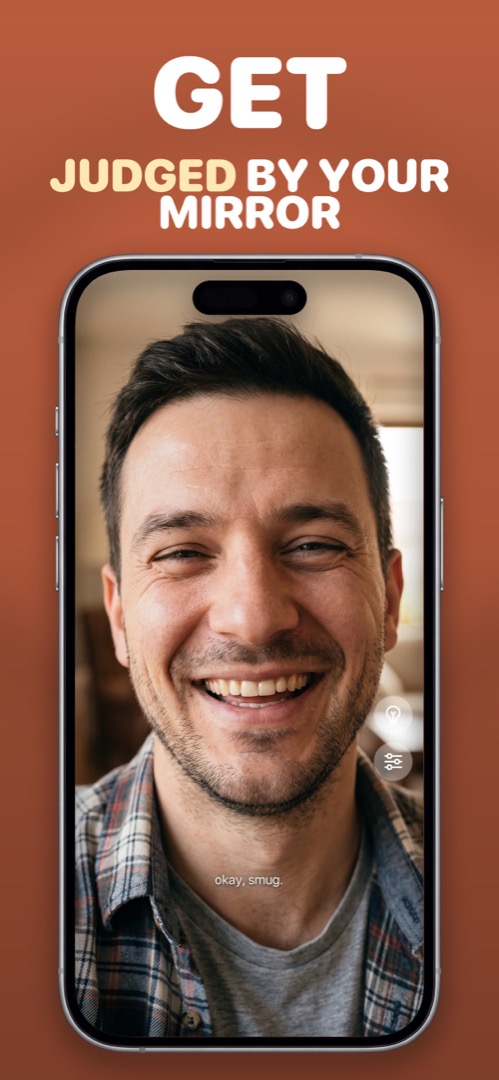
Mirrorly is coming soon to the App Store.
A full-screen iPhone mirror with a ring light, zoom and maximum brightness. Three free checks, then a one-time unlock — no subscription, no photos saved, no account, no ads.