Ringbox: your alarm shouldn’t sound like everyone else’s

Personal alarms for iPhone

Your alarm shouldn’t sound
like everyone else’s.

Alarms that ring with your voice, a song or any sound you love. Plus a quick timer you set by just saying what it’s for, so it rings with your own words.

Coming soon to the App Store Download on the App Store
  • Rings in Silent Mode and Focus
  • Unlimited alarms, free
  • Sounds stay on your iPhone
Two things in one

An alarm for the big things.
A talking timer for the small ones.

Alarms

Real system alarms
  1. 1Pick your voice, a song or any sound
  2. 2Set the time, the days and the snooze
  3. 3Make as many alarms as you like, free

Best for mornings, meds, anything you can’t miss.
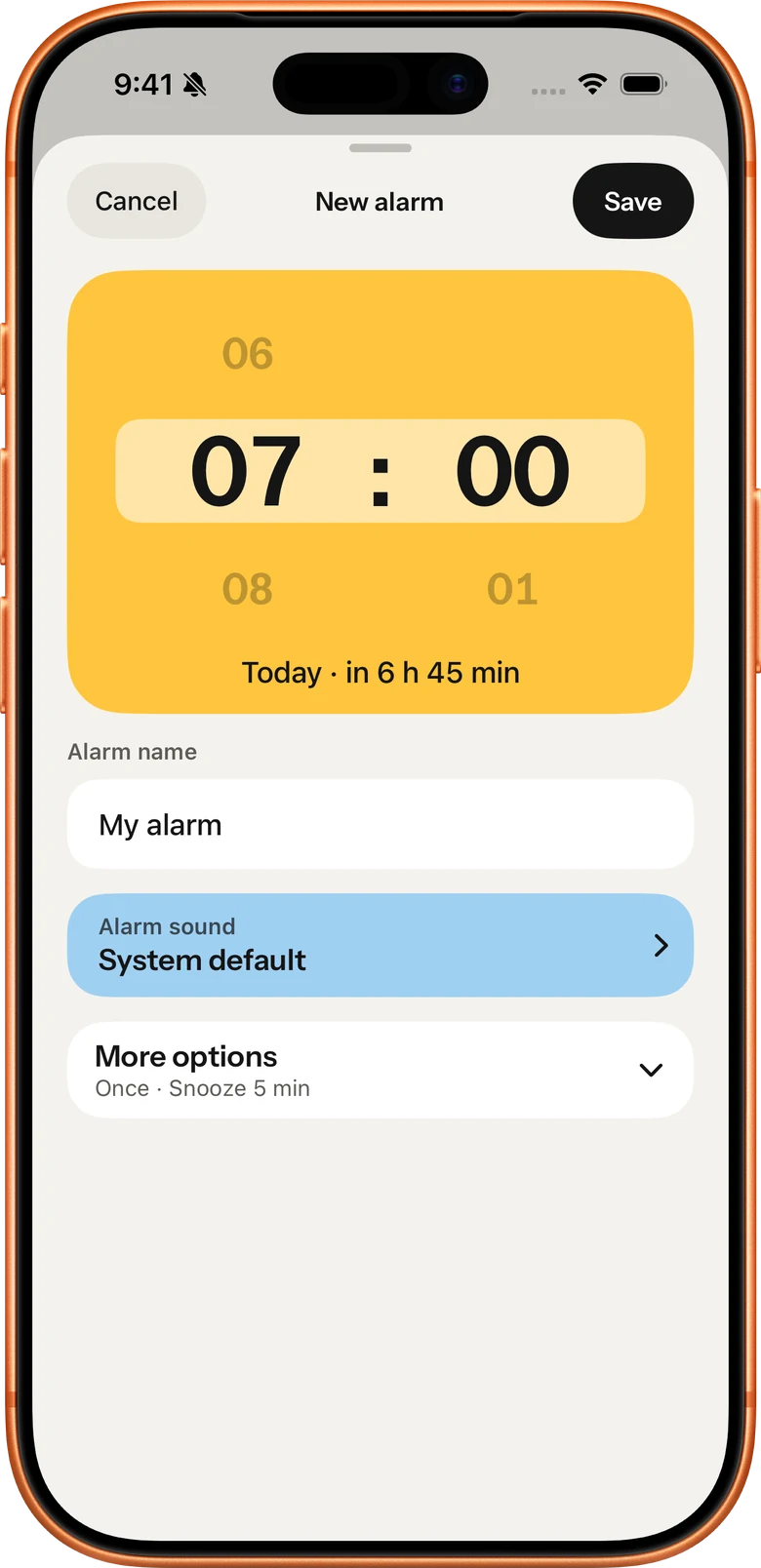
New alarm screen: a big yellow 07:00 time picker, alarm name and alarm sound

Quick timer

Set in 3 seconds
  1. 1Tap Quick timer, from the app, a widget or Control Center
  2. 2Say what it’s for: “Take the pizza out.”
  3. 3Pick the minutes. That’s it
  4. When time’s up, you hear your own words

Best for the oven, the parking meter, the laundry.
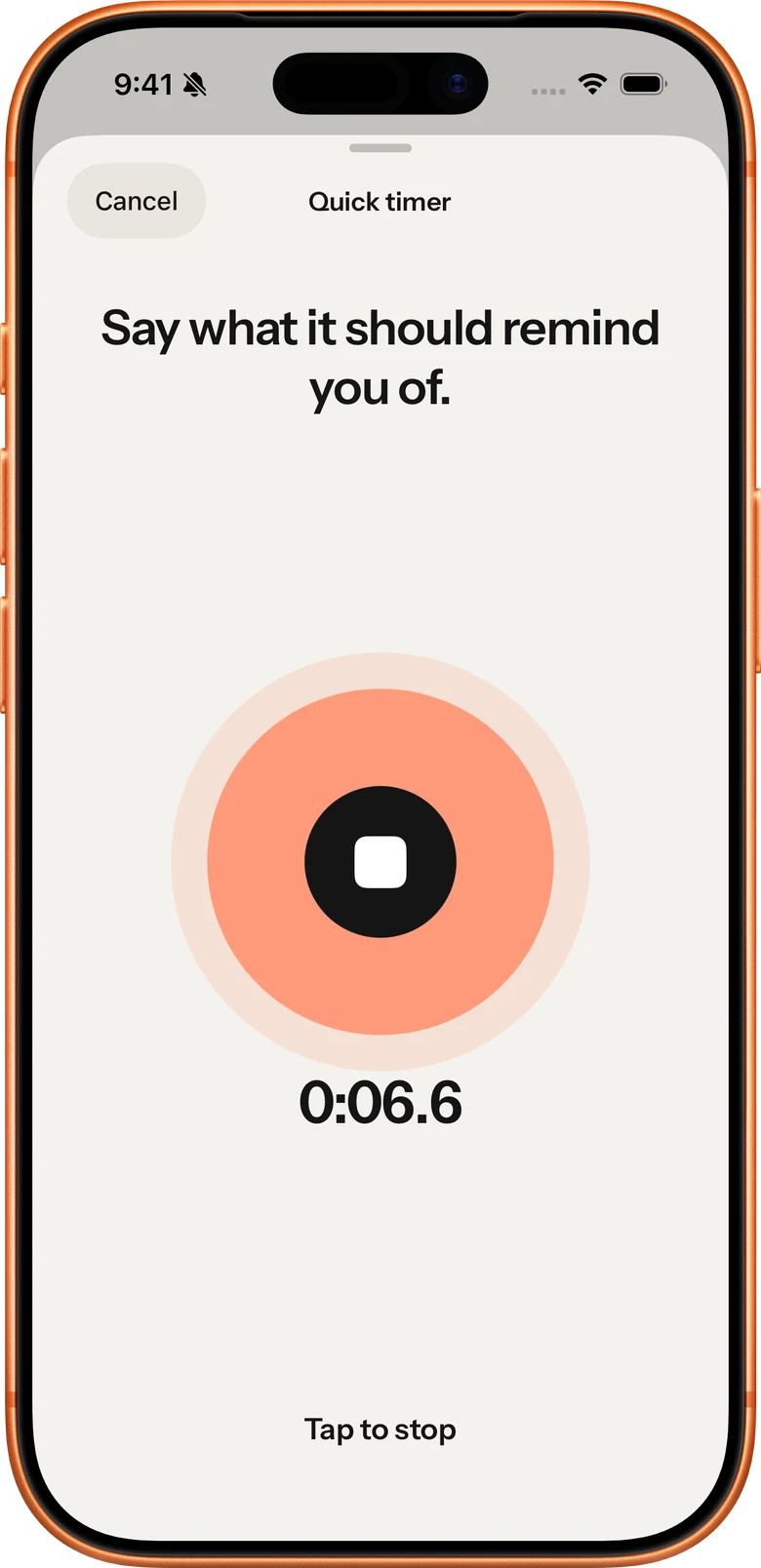
Quick timer screen: Say what it should remind you of, recording 0:06.6
Not just for mornings

What should get your attention?

A voice, a moment, a reminder you can’t miss. For waking up, medication, cooking, leaving home or anything in between.

Coffee machine · 0:18
Not just for mornings

What should get your attention?

A voice, a moment, a reminder you can’t miss. For waking up, medication, cooking, leaving home or anything in between.

Not another beep.
Wake up to your own voice, your favorite song or your dog.

1

Record or import.

Say something you’d actually like to hear, or bring in a sound or song from Files. Up to 1:30 of material.

2

Keep the best part.

Drag the edges around the moment that matters. Up to 29 seconds, with fades and a volume boost if you want them.

3

Hear it ring for real.

Ringbox schedules a test alarm two minutes out, so you hear exactly how your morning will sound.
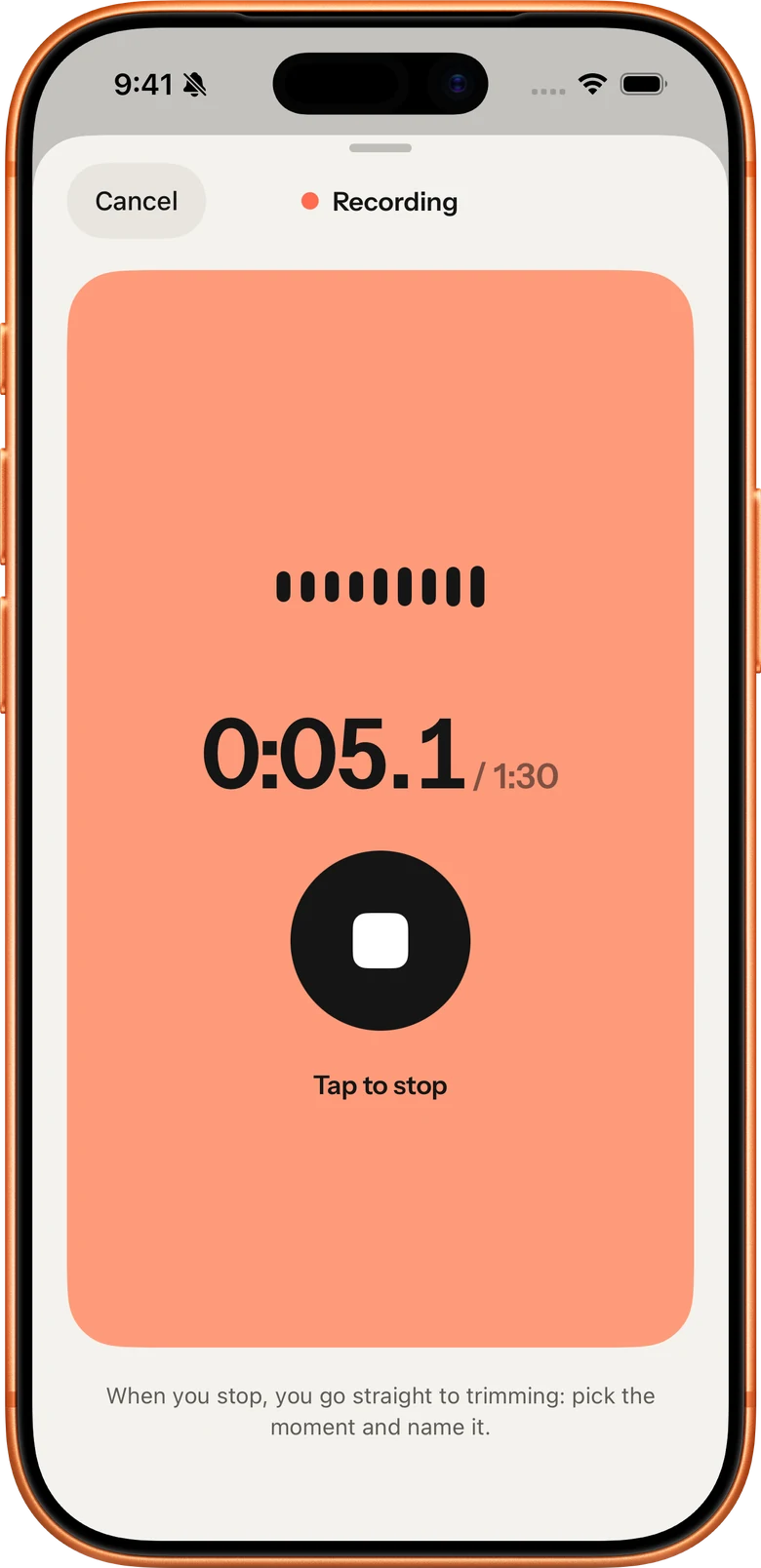
Ringbox on iPhone: recording a sound, trimming the best part, then the alarm is set
1

Record or import.

Say something you’d actually like to hear, or bring in a sound or song from Files. Up to 1:30 of material.

2

Keep the best part.

Drag the edges around the moment that matters. Up to 29 seconds, with fades and a volume boost if you want them.

3

Hear it ring for real.

Ringbox schedules a test alarm two minutes out, so you hear exactly how your morning will sound.

Rings when it matters

A real system alarm.
Not a notification.

Ringbox schedules alarms and timers with Apple’s AlarmKit, so they ring like the built in Clock app: on the Lock Screen, in the Dynamic Island and through Silent Mode and Focus.

Silent Mode Focus Locked screen Live Activity
Free and Plus

Start free. Go Plus when
one sound isn’t enough.

Alarms stay free and unlimited, always.

Free

  • Unlimited alarms and timers
  • One custom sound, in every alarm you like
  • Record and time with your last timer

Ringbox Plus

  • Unlimited custom sounds
  • Home Screen and Lock Screen widgets, Control Center
  • Three recent timers, and keep their sounds

Pay yearly or once, your choice. You’ll see the price for your country in the app.

FAQ

Before your first alarm

Will my alarm ring in Silent Mode or Focus?
Yes. Ringbox schedules real system alarms with Apple’s AlarmKit, which ring on the Lock Screen and through Silent Mode and Focus, like the built in Clock app.
How long can a sound be?
You can record or import up to 1:30 and keep up to 29 seconds of it as the alarm sound, the most iOS allows for an alarm.
Can I use a song?
Yes. Import an audio file you have in Files and keep the best part. Protected songs from streaming services can’t be imported.
Can I test an alarm?
Yes. During setup Ringbox schedules a test alarm about two minutes ahead so you can hear exactly how it sounds.
What if I delete a sound an alarm uses?
Ringbox asks first. Alarms that used it switch to the system sound, so they still ring.
Do my recordings leave my iPhone?
No. Your sounds are stored on your iPhone and are never uploaded. There is no account.
Which iPhones does Ringbox support?
Any iPhone running iOS 26.1 or later, the version that brought AlarmKit.

Something else? Visit support

Make your next alarm
worth waking up to.

Ringbox is coming soon to iPhone.

Coming soon to the App Store Download on the App Store